In Cinema 4D, working with keyframes can be surprisingly time-consuming. Tasks such as creating bounce or elastic motion, reversing keyframes, aligning animation timing, and adjusting easing curves often require tedious manual work. Meet KeyTool Pro — a completely free plugin designed to streamline your animation workflow.
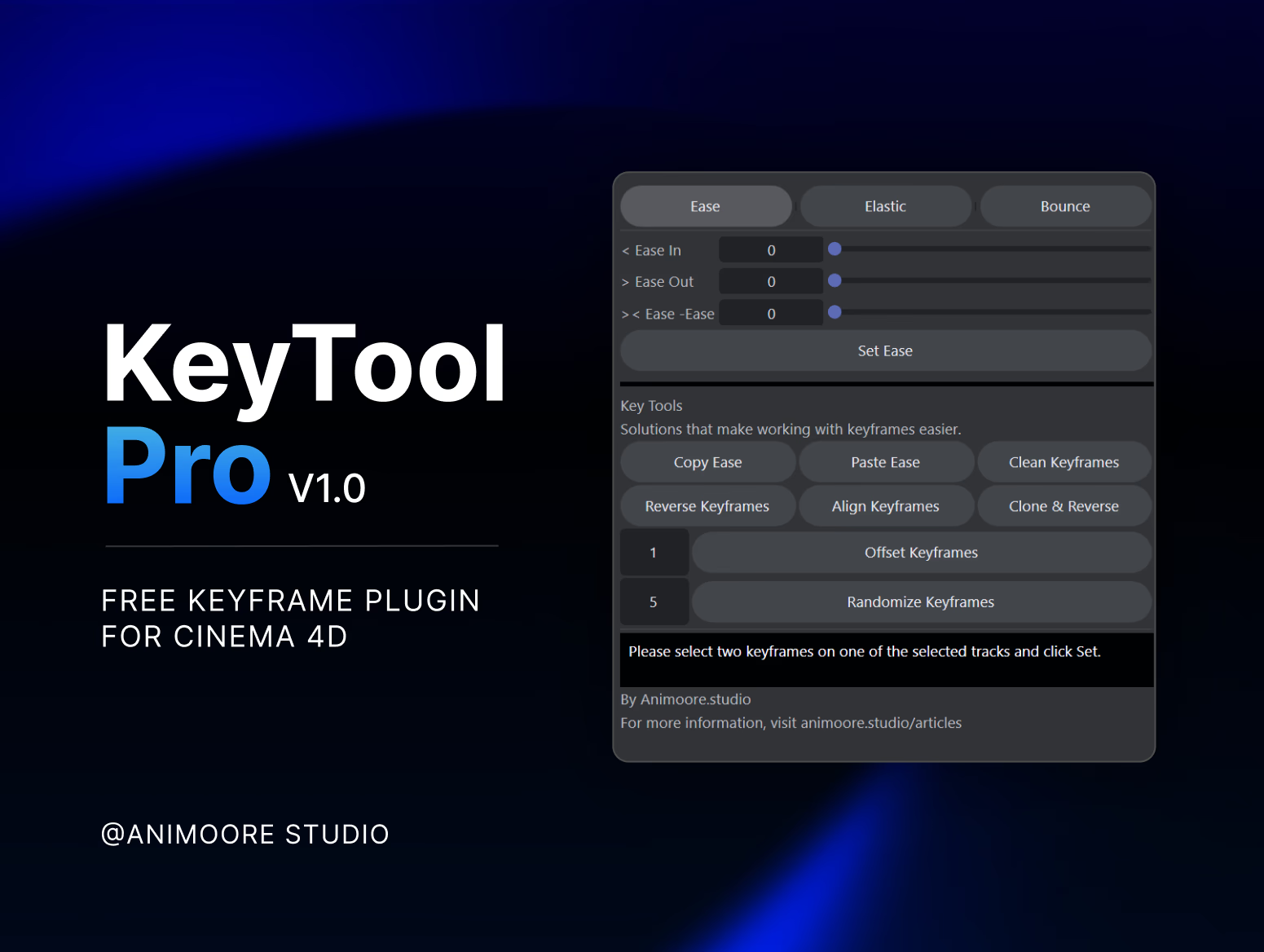
With KeyTool Pro, you can create natural bounce and elastic animations with live preview, instantly reverse keyframes, align animation timing with a single click, and handle repetitive keyframe tasks in seconds. See the result instantly as you adjust the animation parameters, fine-tune animations faster, and achieve professional results with minimal effort.
KeyTool Pro v1.0 Advantages -Speed up keyframe workflow by up to 2x -Slider-based Ease Controller for precise motion control -Instantly reverse selected keyframes -Align keyframes with a single click -Clean keyframes by removing tracks that contain only one keyframe or no keyframes at all. -Create Bounce & Elastic animations automatically and live preview -Save time on repetitive animation tasks -Completely free to use
Installation Guide 1. Download the KeyTool Pro plugin files from below. 2. Copy the plugin folder to your Cinema 4D plugins directory. Windows C:\Program Files\Maxon Cinema 4D\plugins\ macOS /Applications/Maxon Cinema 4D/plugins/ 3. Restart Cinema 4D. 4. Open Extensions from the Cinema 4D menu and launch KeyTool Pro. Compatibility KeyTool Pro is designed to work across all Cinema 4D versions. If the plugin does not appear after installation, restart Cinema 4D and verify that the plugin folder has been copied to the correct location.
Usage Instructions The Ease, Elastic, and Bounce functions work with the Set function and provide a live preview. First, two keyframes must be selected, then the Set button must be clicked and the desired values must be entered. If two keyframes are selected without using Set, the effect will not be applied. Multiple pairs of keyframes can also be selected and set at the same time. This is ideal for animations such as Scale. Note: We’ve tested it extensively, but some issues may still exist. Please let us know if you encounter any problems.
Pulsuz Fayıllar: