Graph Toolkit Addon for Blender
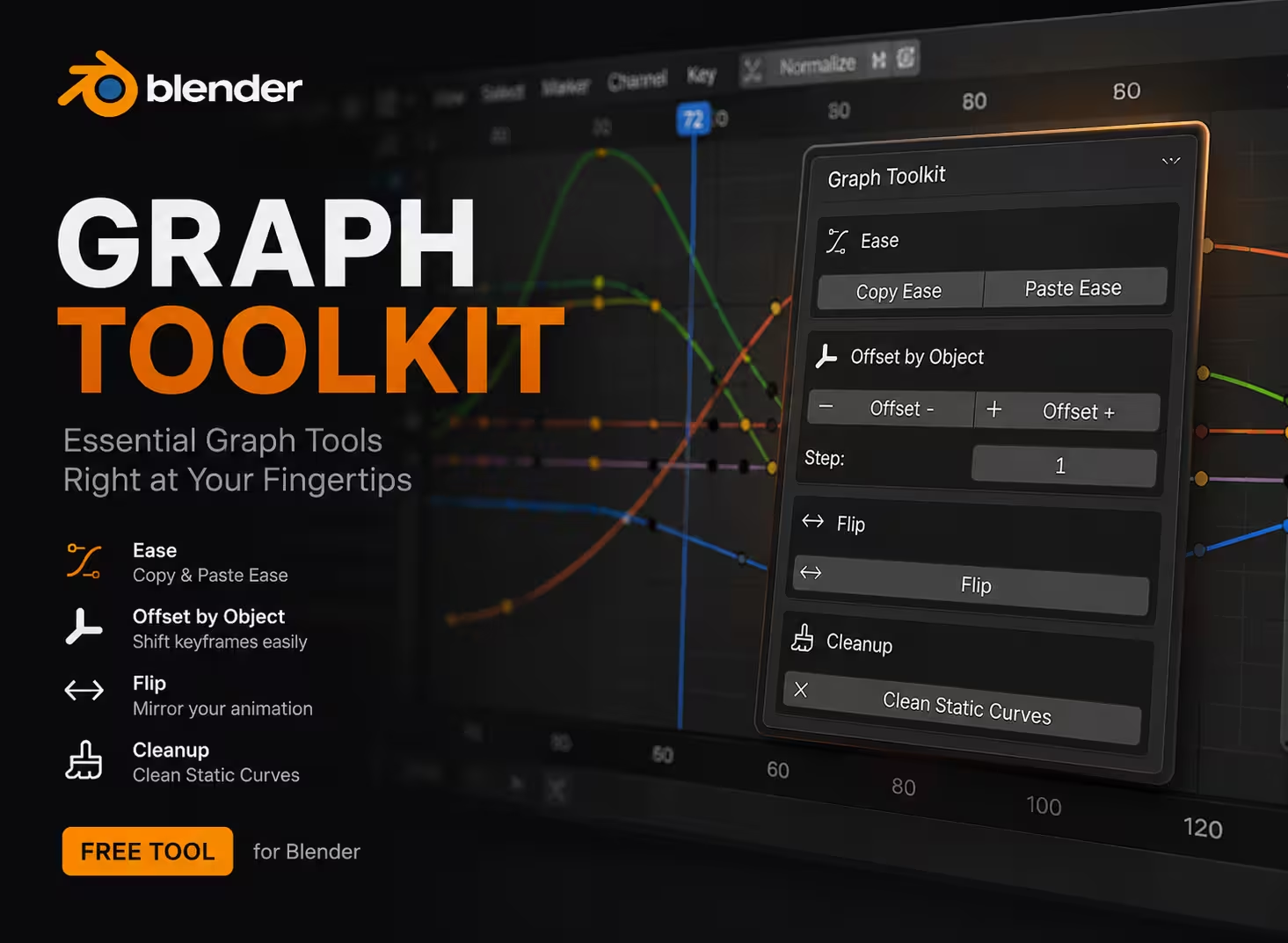
Graph Toolkit — Motion Design Tools for Blender's Graph Editor
A lightweight set of tools for animators and motion designers, built right into the Graph Editor's N-panel.
Ease Copy the easing curve (interpolation, handles, and elastic/bounce/back parameters) from one set of keyframes and paste it onto another — even across multiple selected objects at once. Great for keeping consistent motion feel across a scene without manually matching handles one by one. Offset by Selection Order Stagger animation across objects based on the order you click them — not their name, not their position in space. Click your objects in the order you want them to play, set a step value, and offset. Perfect for waterfall/cascade animations (piano tiles, UI elements entering in sequence, etc). Flip Reverse selected keyframes within their own time range — first swaps with last, second with second-to-last, and so on. No playhead dependency, keeps the exact curve shape. Clean Static Curves Removes any F-Curve channel that never actually changes value — across all selected objects in one click. Useful after moving objects in only one or two axes, where Blender keys all three but one (or more) never animates.
Free Assets